Nova made this beat
“Nova made this beat.”
Recorded sample · 1.92s · Kore preset voice · Original voice, no added echo.
Applies the script and Kore preset voice. The example recording is not cloned.
Verify to continue
Make a short voice signature for your beats and instrumentals. A few words, a little character, unmistakably you.
Listen to real samples for free. Check your trial eligibility or credit balance in the studio.
Hear real DJ drops and producer tags. Playing a sample does not generate a take or spend credits.
“Nova made this beat.”
Recorded sample · 1.92s · Kore preset voice · Original voice, no added echo.
Applies the script and Kore preset voice. The example recording is not cloned.
Koda and Kore have real recordings you can hear in the examples. Preset voices do not clone your voice.
A phonetic hint replaces your name in the spoken line. Listen before accepting pronunciation. Effects are processed locally.
Checking audio availability…
Check the studio above for current generation availability.
Hear real DJ drops and producer tags. Playing a sample does not generate a take or spend credits.
“DJ Nova. You are in the mix.”
Recorded sample · 3.64s · Koda preset voice · Original voice, no added echo.
Applies the script and Koda preset voice. The example recording is not cloned.
A short English line with your producer name, up to 100 characters. Choose a preset voice and an optional pronunciation hint.
Original keeps the source format and has no added effects. WAV is a 48 kHz, stereo, 16-bit copy with the selected dry voice or light echo.
Check the studio above for current generation availability. You can prepare your script now. A current paid plan or pack is required to export.
A producer tag is a short voice signature placed in a beat or instrumental. Start with this producer tag maker: add your name, choose a short script, then set a voice and pronunciation hint. Listen to your completed take; a paid plan or pack unlocks eligible downloads.
Choose a name listeners can hear and repeat.
Try your line before the drums or in a break.
A short phrase leaves room for the music to breathe.
“Nova made this.”
“That’s a Nova beat.”
“Produced by Nova.”Script examples · not generated audio
A short phrase, a clear name, and a delivery that suits your music. A tag identifies your work; it does not replace a license agreement.
Producer tags identify who made a beat. DJ drops identify the DJ or introduce a set. The shared studio offers different script templates for each use.
Add a phonetic spelling in the fine-tune panel, keep the surrounding line short, and listen before accepting a take. A hint guides pronunciation; it does not guarantee the same delivery on every generation.
A new generation creates a new take and uses the generation allowance shown in the studio. Listening again or exporting the same completed recording does not generate a new take. A current paid plan or pack is required to export.
Original keeps the source format and has no added effects. WAV is a 48 kHz, stereo, 16-bit copy with the selected dry voice or light echo. The WAV specification describes the browser-made export, not the model’s native recording format.
You can add light echo to a completed take in your browser and export WAV. Original has no added effects. Reverb is not currently available.
Check the original take before generating again. Reloading its saved audio retrieves that recording; it does not create another take. An unwanted pronunciation or style is not a confirmed technical failure.
A paid plan provides eligible exports; it does not by itself clear copyright, music, trademark or likeness rights. Commercial use depends on the rights in your inputs, the applicable model terms and your intended use. We do not promise exclusive output ownership or a blanket commercial license.
Need a starting line? Browse drop scripts ↗Making a mix? Visit the DJ studio ↗
Start with your own input photos.
Watch the full result. Use these photos loads the matching photos, performers and settings. Playback is free; new results vary.
Swipe to explore all 6 examples.
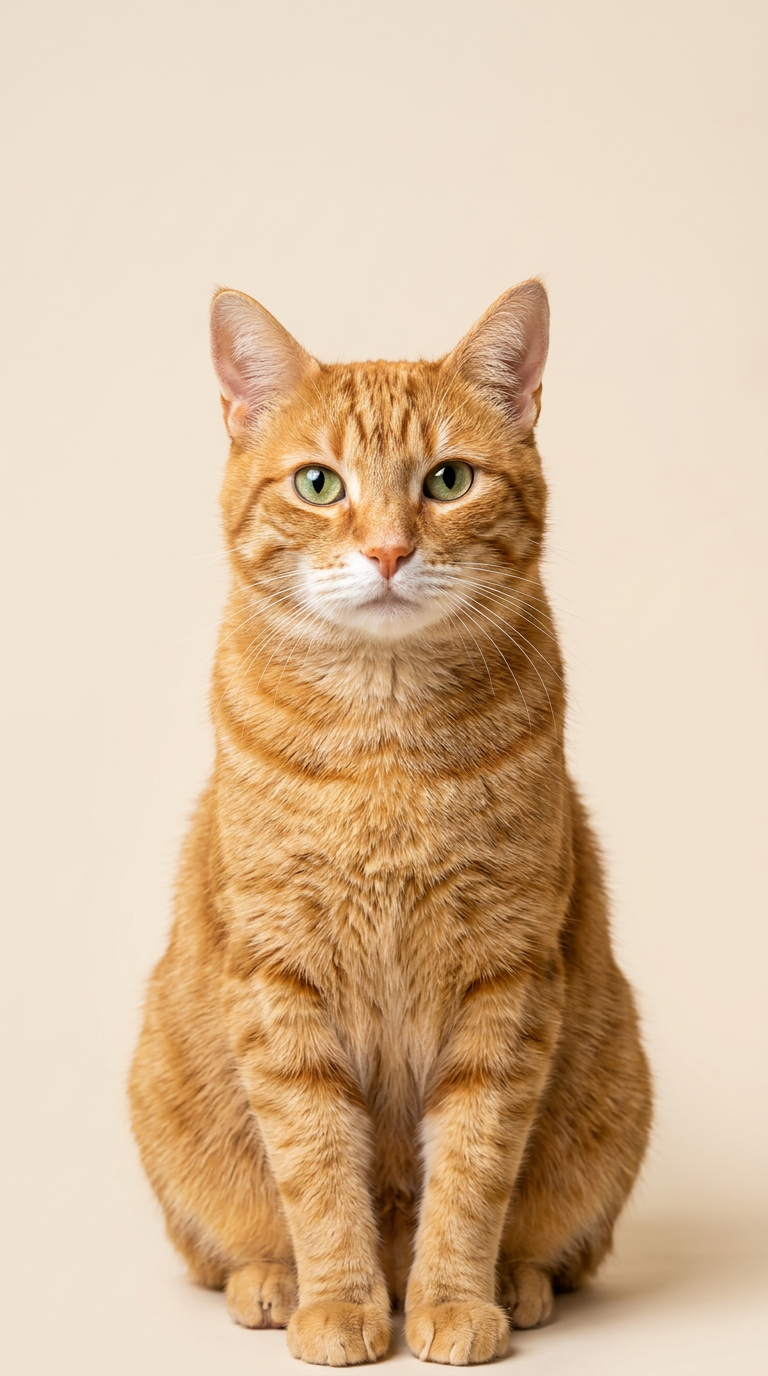
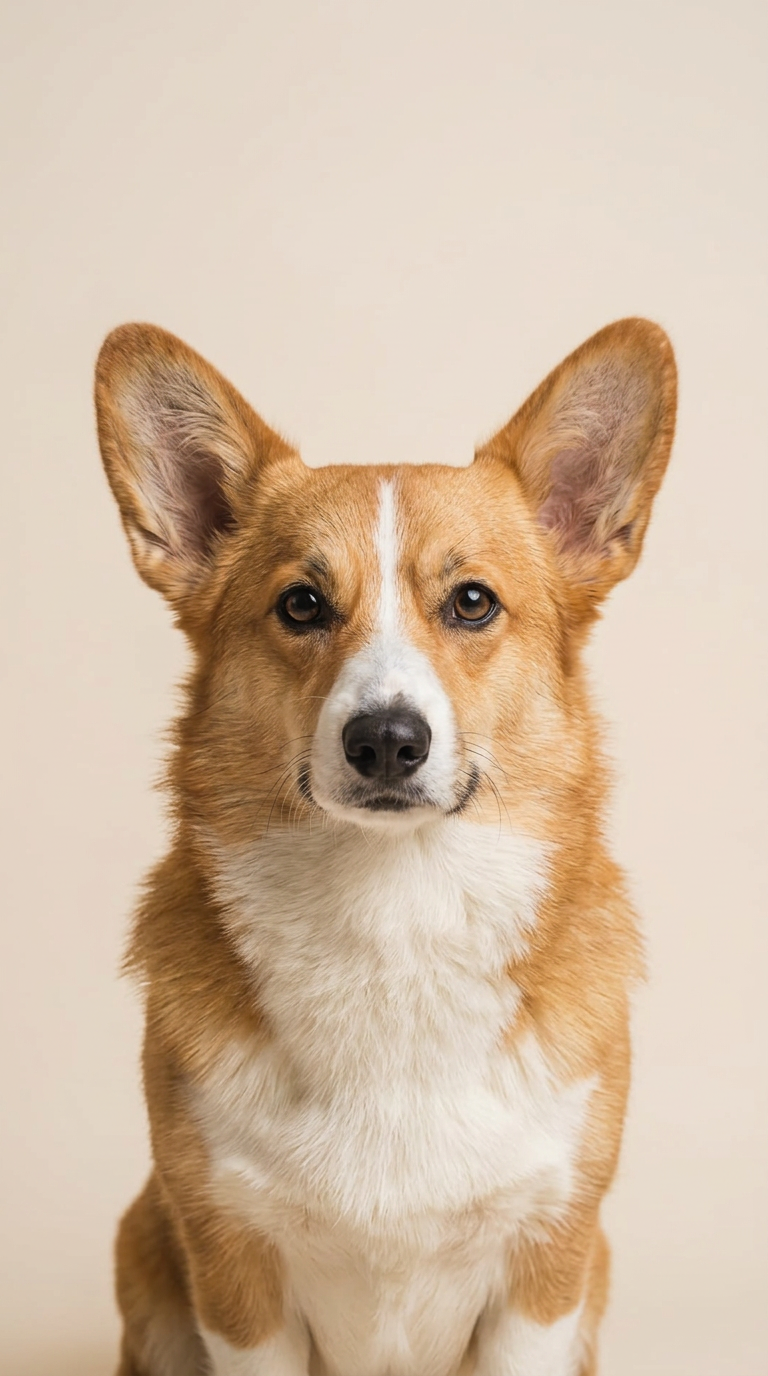
Animal duo · Orange booth
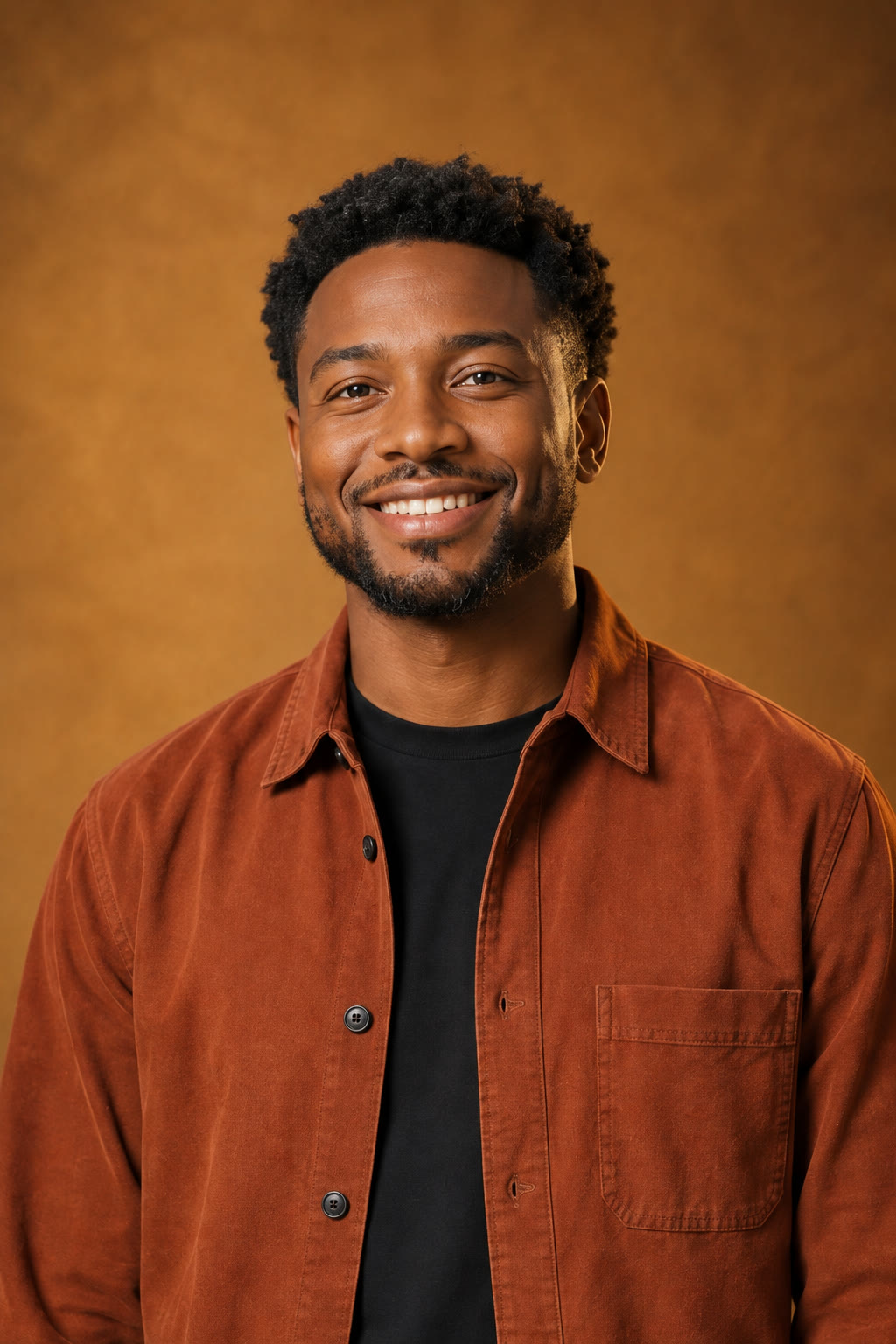
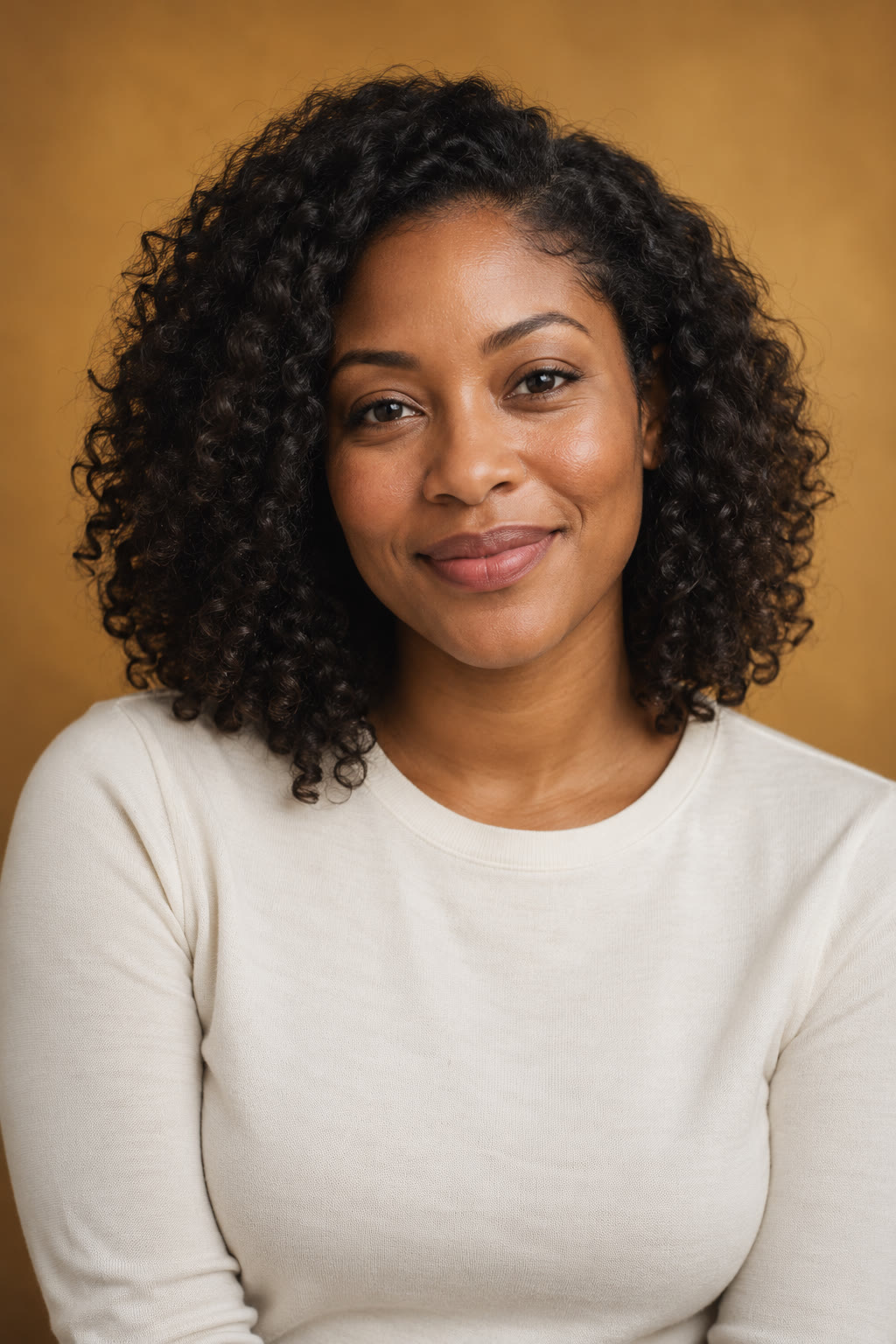
Adults · Orange booth
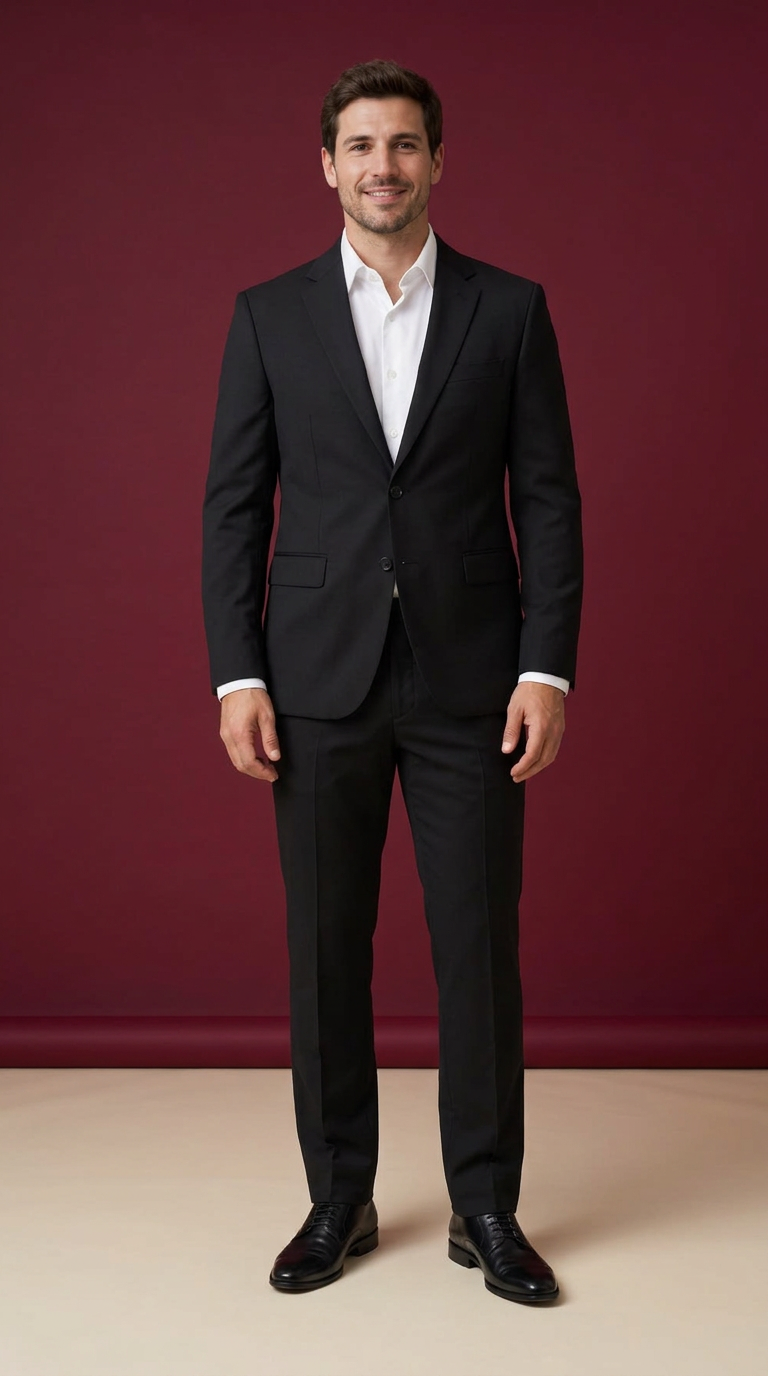
Adults · Disco point · music

Adult + original character · Orange booth
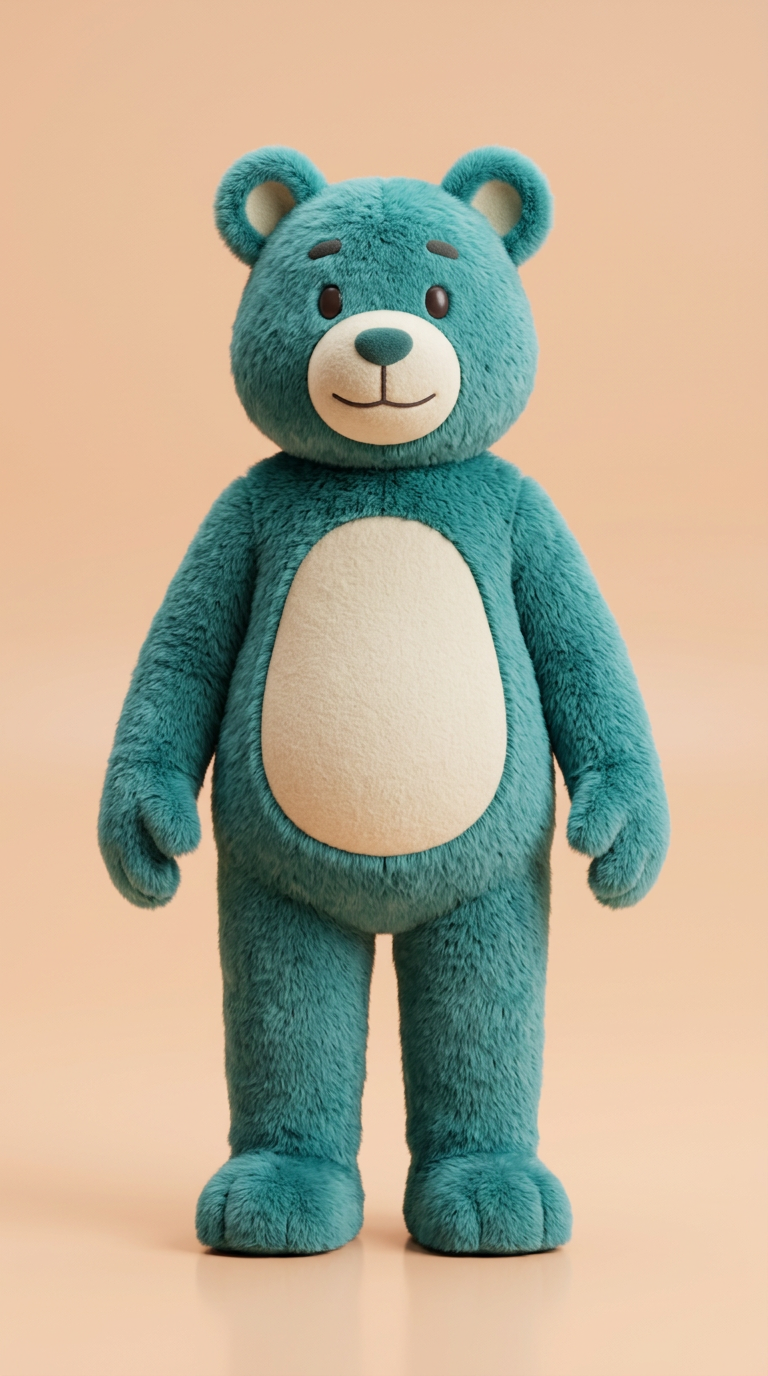
Original bipedal mascot · Easy groove
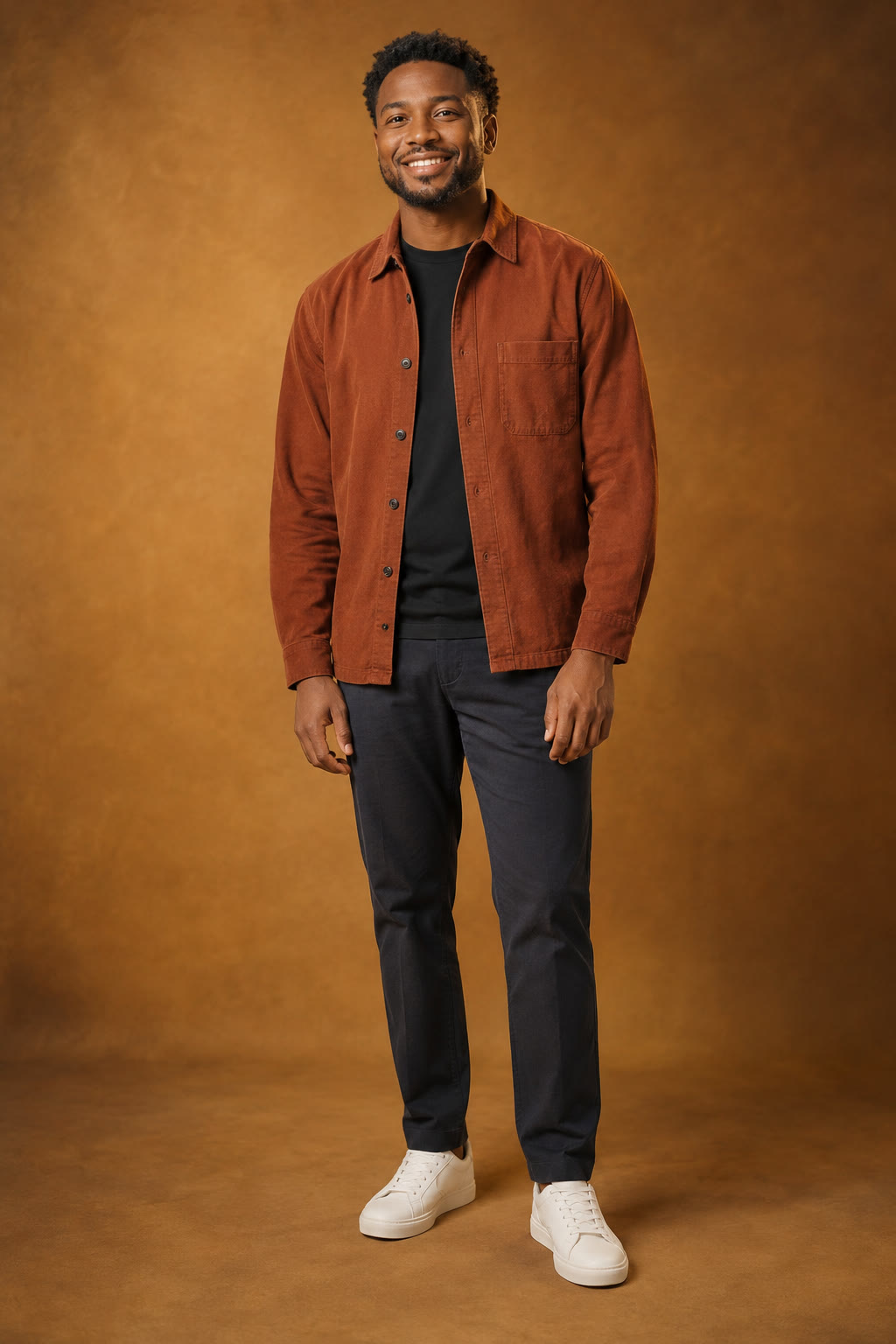
Adults · Natural groove · music
Allow page-visit statistics to help us improve TagVoxa. We do not send your scripts, photos or private work to analytics. Your choice lasts for this visit; you can change it here at any time.
Optional analytics is off until you choose to allow it.